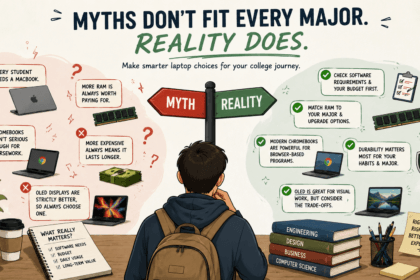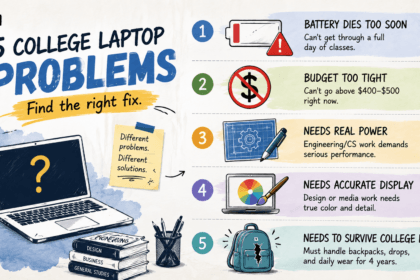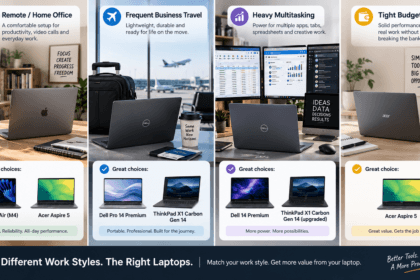


Most “best college laptop” lists hand every reader the same recommendation, as if a computer science major running compilers and virtual machines has the same needs as an English major mostly writing essays in Google Docs. They don’t. Buying a $2,000 ThinkPad for coursework that’s 90% browser-based wastes money that could go toward tuition or textbooks; buying a Chromebook for a CAD-heavy engineering program means fighting your laptop instead of your coursework.
- If You’re Studying Engineering, Computer Science, or Data-Heavy STEM
- If You’re Studying Design, Art, Film, or Media Production
- If You’re Studying Business, Humanities, Social Sciences, or General Studies
- If You’re on a Tight Budget Regardless of Major
- Major-by-Major Quick Reference
- A Note on Double Majors and Undeclared Students
- FAQ’s
- Conclusion
This guide is organized around the question that actually matters:
what does your major demand from a laptop, and which one on the market in 2026 fits that?
If You’re Studying Engineering, Computer Science, or Data-Heavy STEM
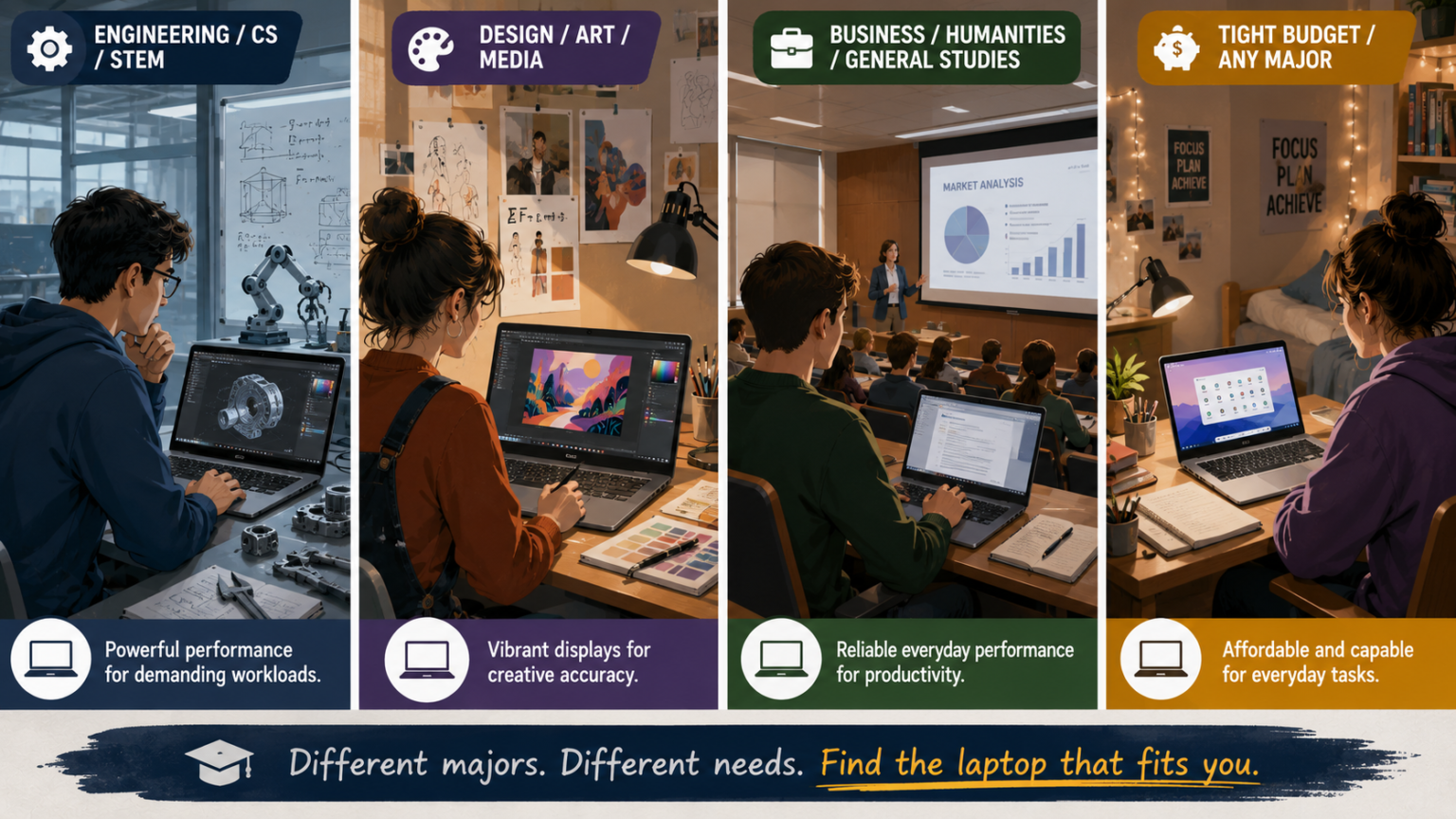
Your laptop needs to handle sustained, demanding workloads — compiling code, running simulations, working in CAD or MATLAB — reliably, day after day, for four years.
The Lenovo ThinkPad X1 Carbon Gen 13 is the strongest fit here. Its Core Ultra 7 processor paired with a 32GB RAM configuration gives it real headroom for coding environments, simulation tools, and multitasking across development environments, and its MIL-SPEC tested build quality means it can survive years of being carried between labs, libraries, and dorms. Pricing generally starts around $1,999, climbing higher for the 32GB configuration STEM workloads benefit from.
If budget is tighter, the ASUS Zenbook 14 OLED, starting around $999–$1,199, is a reasonable middle ground — its Core Ultra 7 or Ryzen AI processor options handle moderate coding and data work well, though it lacks the ThinkPad’s business-grade durability and maximum RAM ceiling.
Skip for now: The ASUS Chromebook Plus CX34 and other Chromebooks. ChromeOS fundamentally can’t run most CAD, MATLAB, or heavier development environments natively — this is a hard software limitation, not a performance one.
If You’re Studying Design, Art, Film, or Media Production
Display quality and color accuracy matter more here than almost anywhere else — you’re evaluating your own work on this screen for four years, and a mediocre display can genuinely mislead your color and contrast decisions.
The ASUS Zenbook 14 OLED is purpose-built for this. Its OLED panel, reaching 2880×1800 resolution with 120Hz refresh and wide color gamut coverage on 2026 configurations, delivers the kind of contrast and color accuracy that makes visual coursework — photo editing, video review, design work — genuinely more reliable to evaluate. Starting around $999–$1,199, it’s meaningfully more affordable than premium alternatives with comparable displays.
The MacBook Air (M4), starting around $999–$1,099, is the other strong option, particularly if your program uses Apple’s creative software ecosystem (Final Cut Pro, Logic Pro, or Adobe’s Mac-optimized tools) — its efficient chip handles video editing and 3D graphics comfortably for coursework-level projects.
Skip for now: The Acer Aspire 5 and Chromebook picks. Neither offers the display color accuracy that visual coursework genuinely benefits from — you’d be working around your laptop rather than with it.
If You’re Studying Business, Humanities, Social Sciences, or General Studies
Your workload is likely centered on writing, research, presentations, spreadsheets, and video calls — genuinely well-served by a broad range of laptops, which means budget and daily comfort should drive the decision more than raw specs.
The MacBook Air (M4) remains the strongest overall pick here, specifically because its battery life and fanless silent design hold up well across long lecture days and library sessions, and its performance comfortably exceeds what this kind of coursework demands. Pricing sits around $999–$1,099 at current clearance levels.
The Acer Aspire 5, generally available for under $700, is a genuinely solid alternative if budget is the deciding factor — its 16GB RAM and 512GB SSD comfortably handle research, writing, spreadsheets, and video calls without the premium price tag.
Skip for now: The ThinkPad X1 Carbon Gen 13’s premium configuration. Its MIL-SPEC durability and 32GB RAM ceiling solve problems this coursework doesn’t create — that budget is better spent elsewhere, including on the laptop’s more affordable base configuration if the ThinkPad brand and keyboard specifically appeal to you.
If You’re on a Tight Budget Regardless of Major
Not every student can justify a $1,000+ laptop, and for coursework that’s primarily browser-based — Google Docs, Sheets, online portals, streaming lecture recordings — a genuinely capable budget option covers the actual need.
The ASUS Chromebook Plus CX34, generally priced around $325–$400, is the strongest pick here. Reviewers specifically note its build quality feels more premium than the price suggests, and it includes a backlit keyboard — a rare feature at this price point — along with bundled AI-assistant features.
If Windows compatibility is required even on a tight budget, budget Windows laptops in the $450–$550 range (like Dell’s entry Inspiron configurations) offer a reasonable middle ground, though expect more modest specs — typically 8GB RAM and a slower processor — than the Chromebook delivers at a similar price.
Skip for now: Anything premium on this list unless a specific major requirement (CAD software, video editing, business-critical Windows applications) makes it genuinely necessary. A budget laptop that covers your actual coursework is a better use of a tight budget than a mid-range laptop bought for headroom you won’t use.
Major-by-Major Quick Reference
| Your Major | Recommended Laptop(s) | Typical Starting Price |
|---|---|---|
| Engineering/CS/Data-heavy STEM | ThinkPad X1 Carbon Gen 13 or Zenbook 14 OLED | ~$999–$1,999 |
| Design/Art/Film/Media | ASUS Zenbook 14 OLED or MacBook Air (M4) | ~$999–$1,199 |
| Business/Humanities/General Studies | MacBook Air (M4) or Acer Aspire 5 | Under $700–$1,099 |
| Tight budget (any major) | ASUS Chromebook Plus CX34 | ~$325–$400 |
A Note on Double Majors and Undeclared Students
If you haven’t declared a major yet, or you’re combining fields with different laptop demands (say, a business major with a data analytics minor), lean toward the more demanding requirement rather than the average. A laptop that comfortably handles data-heavy coursework will always handle general writing and research fine, but the reverse isn’t true. When genuinely unsure, the MacBook Air (M4) or ASUS Zenbook 14 OLED both offer enough headroom to comfortably cover a shift in academic direction without needing to replace the laptop mid-degree.
FAQ’s
What if my major requires software that only runs on Windows, but I prefer Mac?
Check whether your specific software has a reliable browser-based, cloud, or virtualization alternative before ruling out Mac entirely — many programs now offer cross-platform or cloud versions. If there’s no reliable workaround, prioritize Windows compatibility over platform preference.
Can a Chromebook handle occasional heavier coursework, like a required stats or coding class?
For light, browser-based coding environments and basic statistical tools, often yes. For CAD, MATLAB, or resource-intensive development environments, no — this is a fundamental software compatibility limit, not something more RAM or a faster processor can fix on ChromeOS.
Is it worth buying a premium laptop as a freshman if I might change majors?
Only if you’re already leaning toward a demanding field (STEM, design). If you’re genuinely undecided, a mid-range option like the ASUS Zenbook 14 OLED covers most reasonable directions without the ThinkPad’s premium cost, while still leaving room to grow into more demanding coursework.
Should I buy my college laptop before or after orientation/major declaration?
If your budget and timeline allow, waiting until you have clarity on your specific program’s software requirements avoids buying laptop capability you don’t end up needing — check your department’s recommended or required specs list if one exists.
Conclusion
The best college laptop isn’t one model — it’s a function of what your specific major actually demands from a machine. Engineering and CS students need the processing headroom and durability of something like the ThinkPad X1 Carbon Gen 13. Design and media students need the ASUS Zenbook 14 OLED’s display quality. Business, humanities, and general studies students are well-served by the MacBook Air or Acer Aspire 5. And students on a tight budget, regardless of major, can get genuinely capable performance from the ASUS Chromebook Plus CX34. Match the laptop to your coursework, not to whichever model is trending, and you’ll get four years of value instead of four years of compromise.
Pricing, specifications, and availability for laptops change frequently and may have been updated since this article was published. Always verify current pricing and specs directly on the manufacturer’s or retailer’s official website before purchasing. This article is for informational purposes and does not constitute professional purchasing advice.